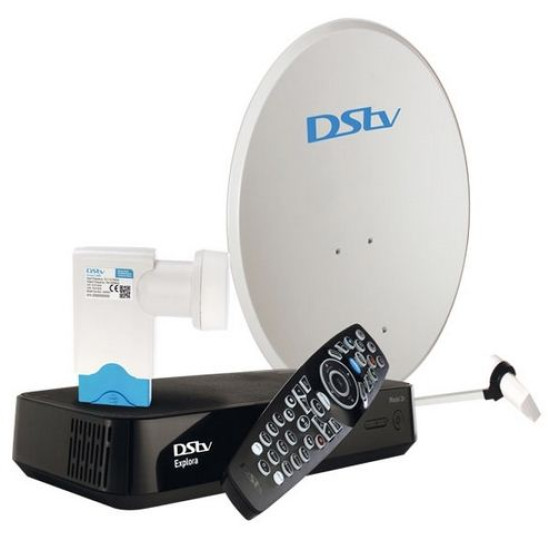
To get the best viewing experience get the Dstv Explora.
- There is already so much you can do with a Dstv Explora.
- You can enjoy the latest series like Game of Thrones even past their airing time by accessing Catch-Up.
- We have awesome news for you, now you can get even a lot more from the Explora when it’s connected to the internet with features such as Catch Up Plus and Remote Recording.
- What do I need to access Dstv Catch Up Plus?
- You need the following to access Dstv Catch Up Plus:
- Get the USB Wifi Connector for Explora.
- An active Subscription.
- How do I connect the DStv Explora to the internet?
- Ensure your DStv Explora is in the same room as your router, you can link them using an Ethernet cable (available from any electronic store).
- How long does it take for the DStv Catch Up Plus catalogue to download to my DStv Explora?
- The catalogue should only take a few minutes to download (depending on the quality of your internet connection).
- Once you’ve connected your DStv Explora to the internet in your home, you need to switch the feature “On” (to do this, press the blue DStv button, select “Settings”, select “User Preferences”, select “Connected Services” and set DStv Catch Up Plus to “On”).
- You can now browse hundreds of additional titles available for download.
- A DStv Connect account with your Smartcard linked (Explora Smartcard).
- Do I change my decoder settings to enable remote recording?
- Yes, please follow the simple instructions below.
- Press the menu button on your remote (Blue button)
- Select Settings
- User Preferences
- Connected Services
- Remote recordings (Switch ON remote recordings)
- How does it work?
- When you have met the above criteria, you will see the red record button upon clicking on a program.
- You can trigger the recording by clicking it